
For Managed Service Providers (MSPs) and virtual CISOs (vCISOs), a solid cyber security audit is the foundation of client trust and meeting compliance rules. The problem is that many testing partners have inflated prices, use weak testing methods, and take forever to deliver reports. As a channel-only partner, we get it. You need a simple, strong process to protect your clients, and we will never compete with you for their business.
This guide is a complete cyber security audit checklist made for IT resellers, GRC companies, and CPAs. Think of it like a roadmap for a great risk assessment. Following this checklist helps you meet tough standards like SOC 2, HIPAA, PCI DSS, and ISO 27001. We'll cover the ten most important areas, giving you clear steps for each one.
This isn't just another list. It's your plan for building real security for your clients. Each point is something you can check and prove. And the best way to prove it all works is with affordable, manual pentesting from our certified team of OSCP, CEH, and CREST experts. Let's build a strong defense together.
Secure Access Control and Identity Management
Think of Access Control as the digital bouncer for a company's important data. It makes sure only the right people get into specific systems and applications. This is all about who can get in, what they can do, and making sure everyone has only the minimum access they need to do their job. For an MSP or vCISO, checking these controls is a must. If these controls fail, it can lead to data breaches and big problems. A good audit makes sure access is given correctly, checked regularly, and removed quickly when someone leaves the company.
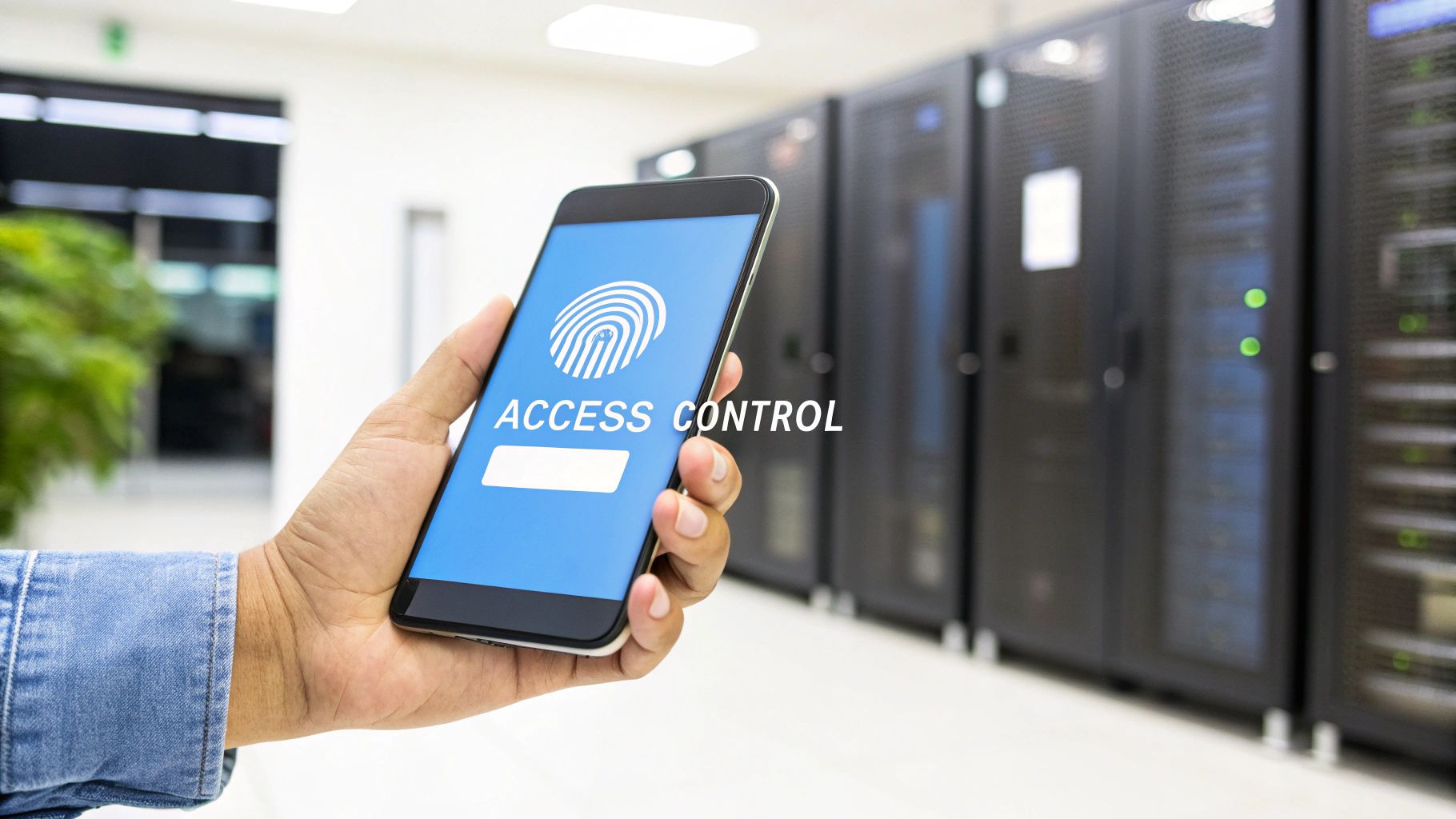
Here is what your audit should check:
- Enforce MFA Everywhere: Make sure multi-factor authentication (MFA) is turned on for everything important, like email, VPNs, and admin accounts. This is a simple step that stops most attacks.
- Review Access Quarterly: Set up regular reviews where managers confirm their team’s access rights. This is a key requirement for compliance frameworks like SOC 2 and helps prevent "permission creep."
- Automate User Onboarding and Offboarding: Link user access to your HR system. When someone joins, they get the access they need. When they leave, it's all turned off instantly. This closes a huge security gap.
- Watch Privileged Accounts: Keep a close eye on what administrators and other powerful accounts are doing. All their actions should be logged and reviewed to spot any strange behavior.
Data Protection and Encryption Controls
Data Protection and Encryption is about locking up sensitive information so no one can read it without permission. This applies whether the data is just sitting on a server or moving across the internet. It’s like putting your most important files in a safe that only you have the key for. For any MSP working toward compliance, this is a huge deal. A good audit checks that encryption is used everywhere it should be, the "keys" are kept safe, and that there are systems in place to stop data from being accidentally leaked. Without strong encryption, a data breach can be a disaster.
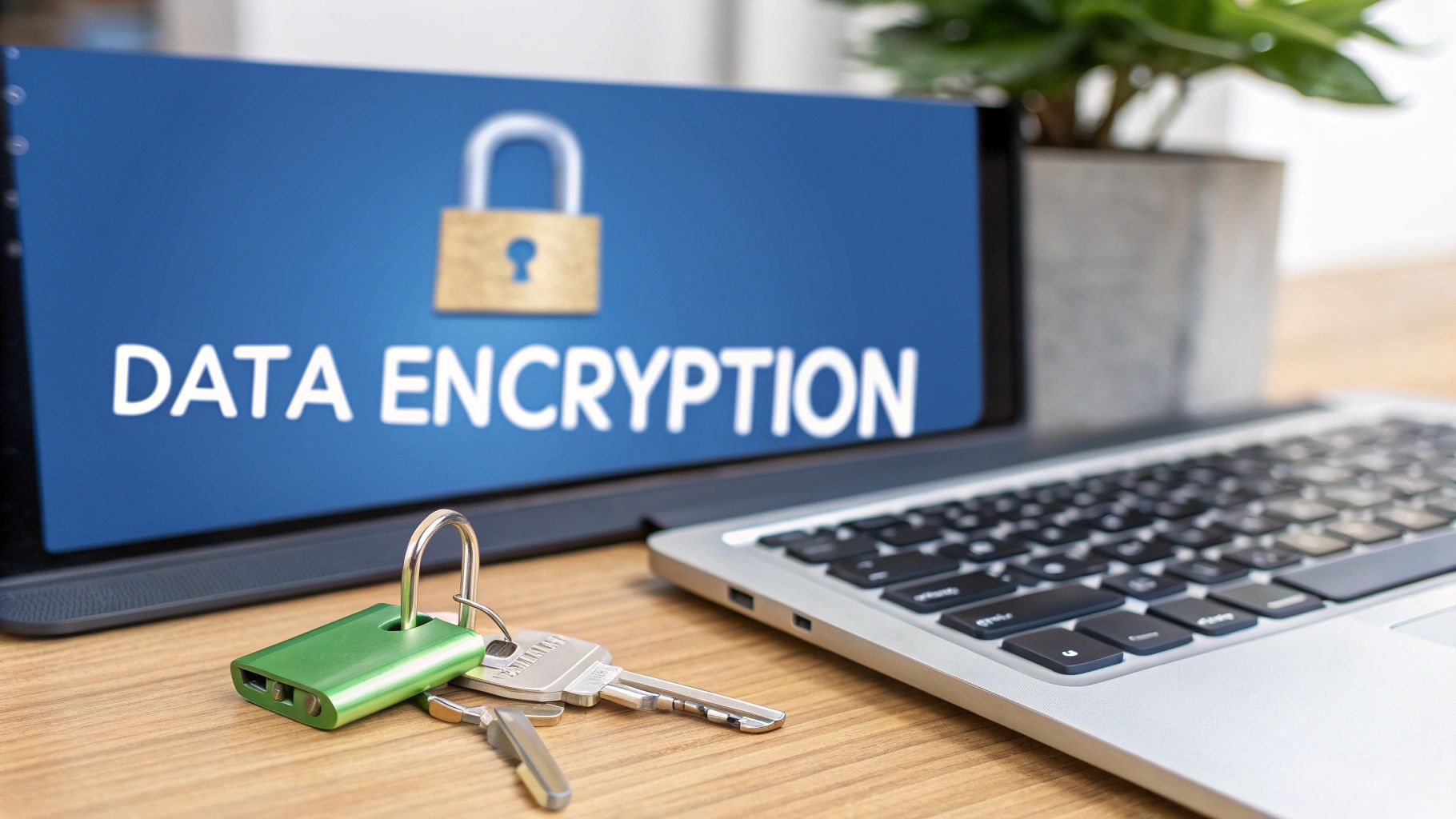
Here is what your audit should check:
- Encrypt Data at Rest: First, figure out what data is sensitive. Then, make sure all laptops, servers, and cloud storage have encryption turned on, using tools like BitLocker or cloud-native features.
- Encrypt Data in Transit: Ensure all information sent over the network is protected. This means using strong security like TLS 1.2 or higher for websites, VPNs, and other connections.
- Manage Encryption Keys Securely: Your encryption is only as strong as the keys that unlock it. Use a secure system to create, store, and rotate these keys automatically.
- Use Data Loss Prevention (DLP): Set up a DLP tool to watch for and block sensitive data from being sent out of the company through email or cloud uploads. This is your safety net.
Strong Network Security and Segmentation
Network Security is like building a fortress around a company’s computer systems. It uses firewalls and other tools to block bad guys and control how data flows. A key part of this is segmentation, which means dividing the network into smaller zones. If an attacker gets into one zone, segmentation stops them from easily reaching other, more critical areas. For any cyber security audit checklist, checking the network is basic but critical. An audit needs to confirm that the firewall rules are tight and the segmentation actually works.
Here is what your audit should check:
- Adopt a Zero-Trust Mindset: Don't trust anyone on the network by default. Every user and device should have to prove who they are before getting access to anything.
- Audit Firewall and Router Rules: Regularly check your firewall rules to get rid of old or overly permissive ones. This is a must-do for PCI DSS compliance and general security hygiene.
- Segment Your Critical Systems: Go beyond basic network zones and use microsegmentation to protect individual servers and applications. Learn more about network segmentation best practices on msppentesting.com.
- Monitor Traffic Between Segments: All traffic moving between your network zones should be logged and watched for weird activity. It's also vital to have strategies to prevent Man-in-the-Middle (MITM) attacks.
Continuous Vulnerability Management Processes
Vulnerability Management is the process of finding and fixing security holes in your software and systems. It’s not just about running a scan; it's a cycle of finding, prioritizing, and fixing weaknesses before attackers can use them. This is a core job for any vCISO or service provider. A proper audit makes sure you have a real process for this, not just a tool that spits out reports. It's important to keep up with new threats and be ready for things like addressing critical security vulnerabilities quickly.
Here is what your audit should check:
- Set Deadlines for Patching: Create clear rules for how quickly vulnerabilities must be fixed based on how serious they are. For example, critical issues should be patched in 15 days.
- Know All Your Assets: You can't protect what you don't know you have. Make sure you have a full list of all hardware and software to ensure your scans cover everything.
- Automate Scanning and Patching: Use tools to automatically scan for vulnerabilities and apply patches. This saves time and makes sure fixes are rolled out consistently.
- Prioritize Based on Real Threats: Focus on fixing the vulnerabilities that hackers are actively using right now. This is much smarter than just fixing everything labeled "critical." Check out these vulnerability management best practices for more.
Security Awareness and Training Programs
Even with the best technology, people can still make mistakes. Security Awareness and Training is about teaching employees how to spot and avoid cyber threats like phishing emails. It turns your staff from a potential weakness into your first line of defense. For MSPs, auditing this is key because one click on a bad link can bypass all your expensive security tools. Your audit should confirm there's a real training program in place and that it's actually working. This is a must for compliance with rules like HIPAA.
Here is what your audit should check:
- Run Phishing Simulations: Send fake phishing emails to employees to see who falls for them. Use the results to provide targeted training to those who need it most.
- Provide Relevant Training: Don't just do a boring, one-hour training once a year. Offer short, engaging training sessions that are relevant to different job roles.
- Make Reporting Easy: Make sure every employee knows exactly how to report a security concern without fear of getting in trouble. A simple, clear process is best.
- Build a Security Culture: Security should be everyone's job. Share stories, reward people for being careful, and get leadership involved to show it’s a priority.
Incident Response and Management Plans
When a security incident happens, you need a plan. Incident Response is a step-by-step guide for what to do when you get hacked, from detecting the problem to cleaning it up. A good plan helps you stay calm and act fast to minimize the damage. As an MSP or GRC company, you know that a good response can be the difference between a small issue and a total disaster. An audit checks if this plan exists, if it's been tested, and if everyone knows their role.
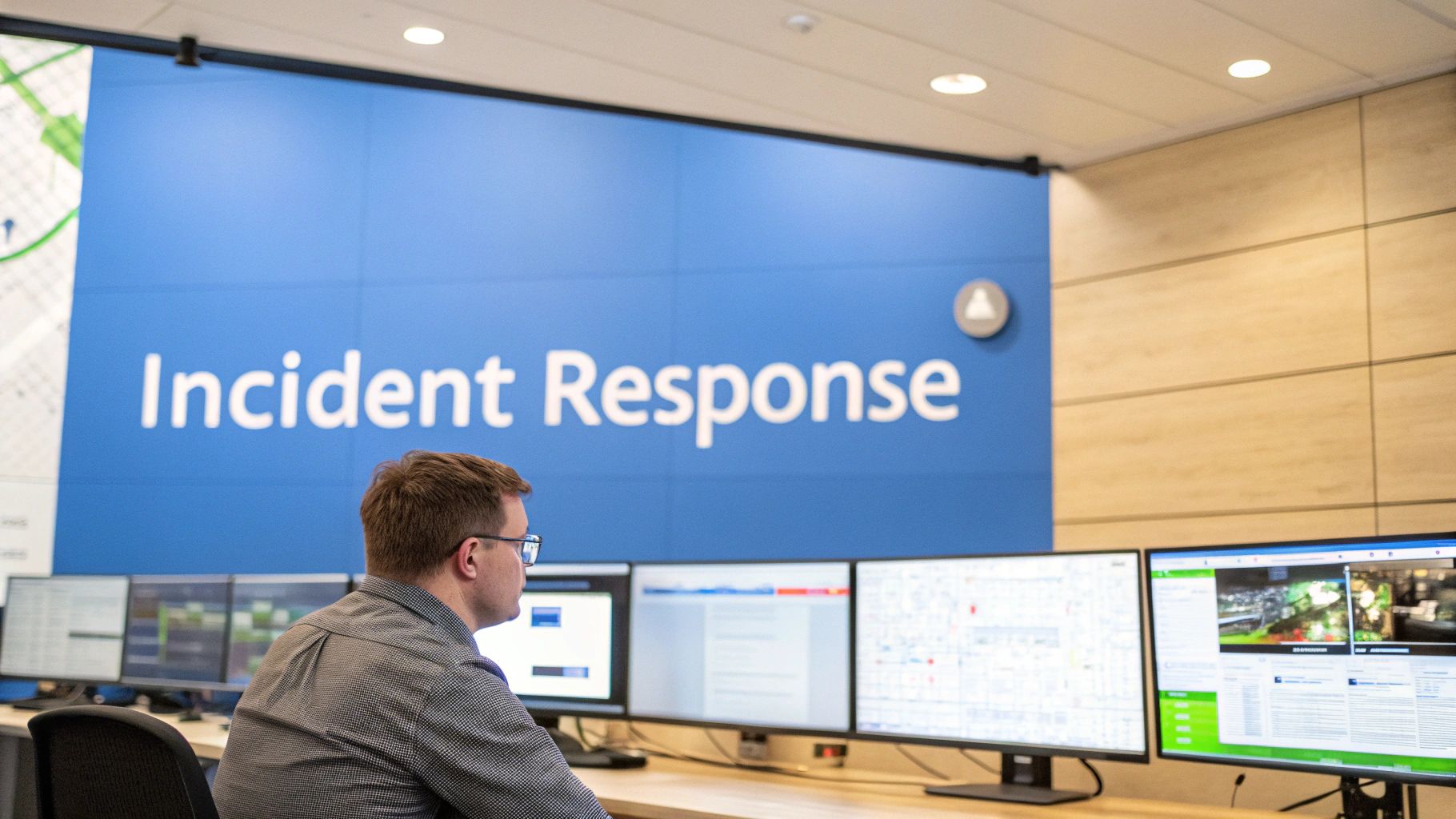
Here is what your audit should check:
- Create Threat-Specific Playbooks: Have separate, detailed plans for different types of attacks, like ransomware or a phishing scam. These should be simple enough to follow under pressure.
- Practice with Tabletop Exercises: Get your team together a few times a year to walk through a fake security incident. This helps find holes in your plan before a real attack happens.
- Have a Communication Plan: Figure out ahead of time how you'll communicate if your normal systems, like email, are down. Have a clear list of who to call and when.
- Learn from Every Incident: After any security event, hold a review to figure out what went wrong and how you can do better next time. Use this to update your security and your plan.
Secure Software Development and Supply Chain
This area is all about making sure the software you build or use is secure from the start. It involves writing secure code and checking that any third-party tools or libraries you use don't have known vulnerabilities. One weak link in your software supply chain can put your entire system at risk. An audit in this area checks that security is built into the development process, not just bolted on at the end. It's about trusting your code and the code you depend on.
Here is what your audit should check:
- Automate Security Scans in Your Pipeline: Use tools to automatically scan your code for vulnerabilities every time a developer makes a change. This catches problems early.
- Keep a Software Bill of Materials (SBOM): Maintain a list of all the third-party components used in your applications. This makes it easy to find out if you're affected when a new vulnerability is announced.
- Require Peer Code Reviews: Have a policy that another developer must review all code before it goes live. A second pair of eyes can catch mistakes that automated tools miss.
- Scan Container Images: If you use containers like Docker, make sure to scan the images for vulnerabilities before you deploy them. This hardens your applications at runtime.
Logging, Monitoring, and Threat Detection
Logging and Monitoring is like having a security camera system for your entire network. It involves collecting logs from all your systems and using tools to spot suspicious activity. Without good monitoring, an attacker could be in your network for months without anyone knowing. As a vCISO, you know this visibility is non-negotiable for real security. An audit should confirm that you are collecting the right logs, keeping them for long enough, and actually analyzing them to find threats. This is a core part of many compliance standards like PCI DSS.
Here is what your audit should check:
- Centralize Your Logs: Send logs from all your important systems to one central place, like a SIEM. This makes it much easier to connect the dots during an investigation.
- Set Up Smart Alerts: Don't just collect logs; create alerts for specific, high-risk events, like someone logging in from a strange country. Fine-tune these alerts to avoid getting overwhelmed.
- Keep Logs for at Least a Year: Your audit should check that you are storing logs for a long enough period to meet compliance rules and to investigate old incidents.
- Monitor Admin Accounts Closely: Pay special attention to what administrator accounts are doing. Any unusual activity from a privileged account should trigger an immediate alert.
Business Continuity and Disaster Recovery
Business Continuity and Disaster Recovery (BC/DR) is your plan for getting back up and running after a major disruption, whether it's a ransomware attack or a fire. It's about having reliable backups and a tested plan to restore your systems quickly. For your clients, a good BC/DR plan can be the difference between a bad day and going out of business. An audit here verifies that your backups are secure, the recovery plan is realistic, and that it's actually been tested.
Here is what your audit should check:
- Define Recovery Goals (RTO/RPO): Figure out how quickly you need to recover systems and how much data you can afford to lose. These goals will guide your backup strategy.
- Keep Backups Safe from Ransomware: Make sure your backups are stored in a way that ransomware can't touch them, either offline or in immutable storage.
- Test Your Recovery Plan Regularly: A backup plan is worthless if you've never tested it. At least once a quarter, try to restore a system from a backup to make sure it works.
- Document and Encrypt Everything: Write down the step-by-step recovery process and make sure all your backup data is encrypted. You don't want a thief to steal your backups.
Governance, Compliance, and Risk Management
This final area ties everything together. It's about making sure your security program is aligned with business goals and legal requirements. This involves doing formal risk assessments, creating policies, and tracking everything to prove you're secure to auditors and customers. For a GRC company or CPA, this is the heart of what you do. It shows that your security efforts are smart, planned, and effective at reducing the company's overall risk.
Here is what your audit should check:
- Conduct Annual Risk Assessments: At least once a year, do a formal risk assessment to identify and prioritize the biggest threats to the business. Use a framework like NIST to guide you.
- Maintain a Compliance Calendar: Keep track of all your important audit dates and reporting deadlines for things like SOC 2 or ISO 27001.
- Assign Ownership for Controls: For every security control, make sure someone is clearly responsible for it. This creates accountability and makes audits much smoother.
- Document All Risk Decisions: Keep a log of all identified risks and what you decided to do about them. This is key for showing due diligence. For more on this, check out our cybersecurity risk assessment framework.
Move From Your Checklist to Action
You now have a solid cyber security audit checklist. It's a great map for checking your clients' defenses against standards like NIST and ISO 27001. But a checklist only tells you if a security control exists. It doesn't tell you if it actually works against a real attacker. This is where you, as an MSP or vCISO, can provide huge value. Your clients need to know if their defenses will hold up under pressure.
The best way to do that is with a penetration test. A pentest is like a controlled, ethical hack that safely finds weaknesses in your client's security. For example:
- Your checklist says MFA is on. A pentest tries to bypass it.
- Your checklist says you scan for vulnerabilities. A pentest tries to actively exploit them.
- Your checklist says you have an incident response plan. A pentest simulates an attack to see how your team reacts.
This is how you prove your security works. By adding manual pentesting to your services, you go from checking boxes to providing real security assurance. As your channel-only partner, we provide affordable, fast, and expert white label pentesting. Our certified OSCP, CEH, and CREST pentesters give you the technical firepower, so you can focus on your client relationship. Let's turn your audit into action.
Contact us today to learn how our reseller program can help you grow your business and better protect your clients. You can also see what the finished pentest report looks like.

.avif)
.png)
.png)
.png)

