
What is a Google dork? It's an advanced Google search that uses operators like site:, filetype:, inurl:, intitle:, before:, and after: to find information that isn't easily visible in normal search results. For MSPs, that matters because clients can expose login pages, documents, cached content, and sensitive files without anyone “hacking” them in the usual sense.
If you manage client environments, this should get your attention fast. A public file, an indexed staging page, or a cached document can turn into a security issue, a compliance issue, and a trust issue all at once.
This is also where smart MSPs create value. If you know how Google dorking works, you can spot exposure early, tighten client security, and turn a simple recon technique into a practical risk assessment and pentesting conversation your clients already need.
What Is a Google Dork Explained
A client passes a security review, then an exposed PDF, an old admin login, or a staging page turns up in Google. That is the kind of preventable exposure that costs an MSP time, credibility, and sometimes the account itself.
A Google dork is a targeted Google search that uses advanced search operators to find specific indexed content. In plain terms, it helps you see what Google already knows about a client's public-facing assets, including pages and files the client assumed nobody would find.
That matters because search visibility creates business risk. A publicly indexed document can trigger a compliance issue. A discoverable login portal can increase attack surface. A cached page can keep sensitive content visible after the client thinks it is gone.
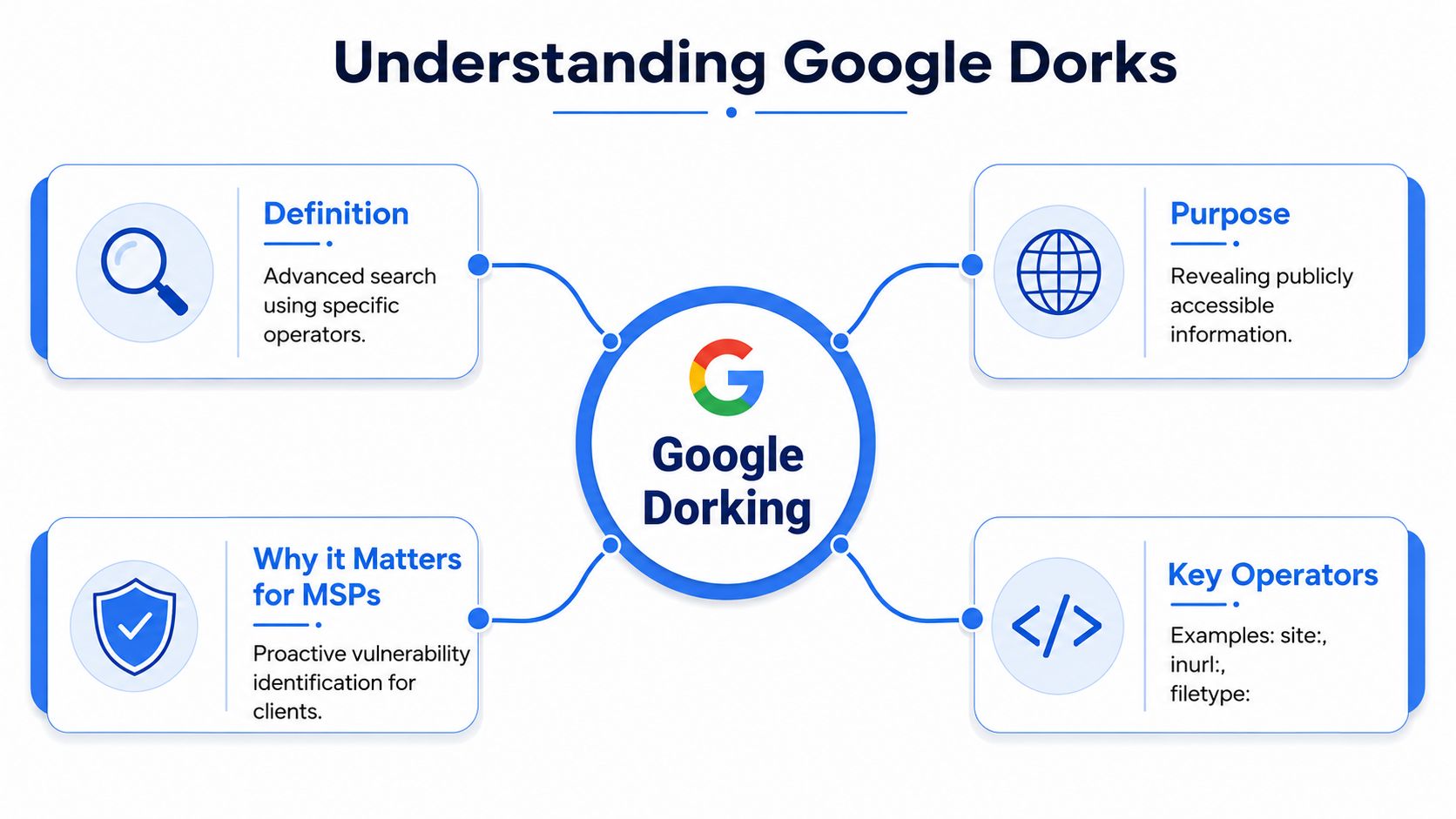
For MSPs, Google dorking is not a novelty and not a gimmick. It is a reconnaissance method you should use during risk reviews, client onboarding, and manual pentesting. If a search engine can surface a client asset, an attacker can use it for targeting, phishing, password spraying, or follow-on exploitation.
The smart move is to treat dorking as a professional assessment step. It gives your team a fast way to identify exposure, show clients clear evidence, and start a security conversation tied to risk reduction and billable services.
Use it to open the door to pentesting. If you want the broader context for where this fits in an assessment workflow, read our guide to the basics of ethical hacking.
Practical rule: If Google indexed it, you should assume an attacker can find it.
MSPs that package this work well do more than protect clients. They create a new revenue stream by offering affordable, white-labeled reconnaissance and penetration testing services without building a full offensive security team in-house.
How Dorking Operators Uncover Hidden Information
Google dorking works because search engines organize huge amounts of indexed content, then let you filter that content with operators. Used well, those operators turn Google from a search bar into a recon tool.
This has been around long enough that it's no longer a novelty. Recorded Future notes that Google dorking is a long-established security technique using advanced operators like site:, filetype:, and inurl:, and points to the Google Hacking Database as proof the method matured into a structured discovery workflow for pentesters and researchers in its write-up on Google dorking techniques.
The operators that matter most
Some operators are simple filters. Others are precision tools.
site:limits results to one domain or subdomainfiletype:narrows results to specific document typesinurl:searches for words inside the page URLintitle:finds pages with terms in the titleintext:searches for content inside the page bodycache:is retired. Google removed the operator in September 2024, so use the Wayback Machine to review archived versions of a page insteadbefore:andafter:help narrow results by time window
Value comes from combining them. That's what separates normal searching from recon.
Common Google Dorking Operators for Pentesters
| Operator | Function | Example Use Case |
|---|---|---|
site: | Restrict results to a specific domain | Review what Google has indexed for a client portal |
filetype: | Show only certain file formats | Look for publicly indexed PDFs or spreadsheets |
inurl: | Search within URLs | Find login paths, admin paths, or upload pages |
intitle: | Search page titles | Surface dashboards, portal pages, or open directories |
intext: | Search page content | Locate pages containing sensitive keywords |
before: | Limit results to earlier indexed content | Investigate older exposed material |
after: | Limit results to newer indexed content | Review recently surfaced public content |
Good pentesters don't just run a query. They ask why a result exists, whether it should be public, and what it says about the client's exposure.
For MSPs, that's the difference between a shallow scan and a useful manual pentest.
Common Findings from a Google Dork Assessment
The reason Google dorking matters is simple. It finds things ordinary searches miss.
TechTarget explains that the power of dorking comes from combining operators like site:, intext:, intitle:, and filetype: to locate precise artifacts such as exposed login pages, spreadsheets, or SQL dumps that were unintentionally published and indexed in its definition of a Google dork query.

What shows up most often
Here's what a responsible Google dork assessment often reveals:
- Exposed login portals that make brute-force attempts and credential attacks easier to plan
- Indexed documents like PDFs or spreadsheets that may contain internal business data
- Publicly reachable backups or dumps that should never have been accessible
- Open directories that reveal file structure and forgotten content
- Old cached pages that still expose information after a site update
These aren't edge cases. They're common outcomes of rushed deployments, weak publishing controls, poor cleanup, or simple human error.
Why these findings matter to MSPs
A publicly indexed spreadsheet can turn into a HIPAA, PCI DSS, or client confidentiality headache very quickly. An exposed admin page can become the first breadcrumb in a larger attack path. A cached page can revive a problem the client thought they already fixed.
Use safe examples in internal training and client conversations, not live targeting. Queries that look for indexed login paths, document types, or misplaced backups are enough to show the risk without crossing a line.
If your client's external footprint includes sensitive content in search results, the problem isn't just security. It's governance, compliance, and brand damage.
That's why Google dork findings fit naturally into SOC 2, ISO 27001, and broader GRC conversations. They show what's publicly discoverable before an attacker touches the target directly.
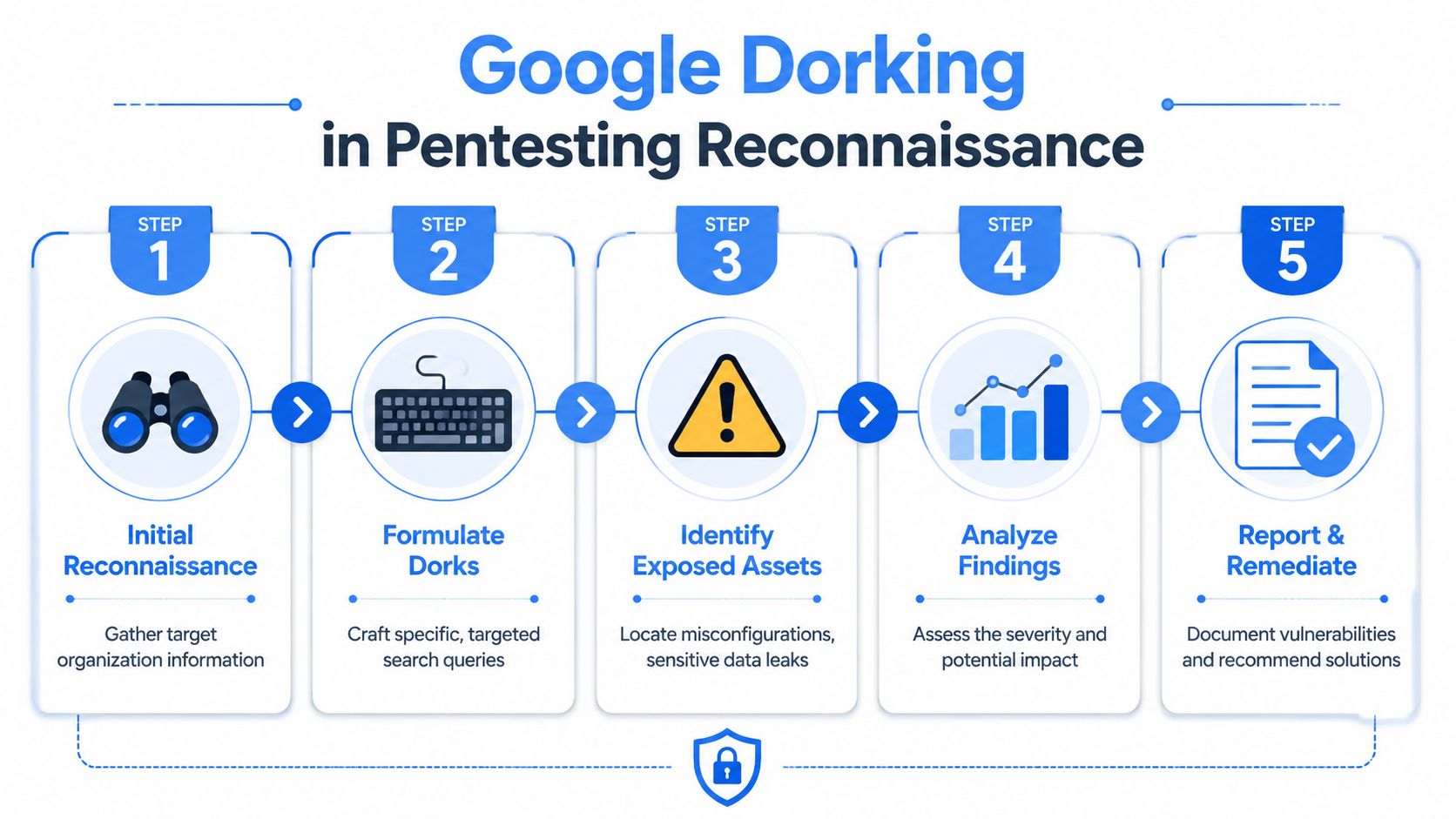
Using Dorking in Manual Penetration Testing
Google dorking belongs in professional penetration testing. Not as a gimmick. As a standard reconnaissance step.
Splunk explains that dorking is effective because search engines cache and index content, and operators such as filetype: and allintext: can reveal exposed spreadsheets, PDFs, or SQL dumps left reachable due to weak access controls, making it a practical first-stage discovery method in its article on Google dorking and attack paths.
Why manual pentesting still matters
Automated tools can enumerate assets. They can't think like a tester who understands context.
A skilled pentester looks at search results and asks better questions. Is that staging page still live? Does that document expose internal naming conventions? Does that cached content reveal a retired workflow or abandoned portal? That's where manual pentesting earns its keep.
Certified testers with OSCP, CEH, and CREST backgrounds use recon to map attack surface before active testing starts. That's not optional in a quality pen test. It's basic discipline.
Where compliance enters the picture
For regulated clients, this matters beyond pure security. SOC 2, HIPAA, PCI DSS, and ISO 27001 all push organizations toward meaningful external exposure review as part of ongoing control validation and risk management.
If you need a clean overview of where recon fits in a full engagement, this breakdown of the phases of a penetration test is worth keeping in your client education library.
How MSPs Can Protect Clients from Dorking
You can reduce dorking risk without waiting for a full penetration test. Most fixes are operational. The problem is that many MSPs don't build them into routine hygiene.
Start with the obvious. Remove sensitive files from public web roots. Review staging sites, upload folders, exported reports, and forgotten subdomains. If a file doesn't need to be public, it shouldn't sit where crawlers can reach it.
Defensive steps that actually help
- Review public-facing assets and compare what's supposed to be online with what search engines can discover
- Restrict access properly so sensitive content isn't merely “hard to guess” but protected
- Control indexing with appropriate crawler directives for non-public areas
- Clean up old content including documents, test pages, and retired portals
- Audit secrets exposure because credentials in files, logs, and config artifacts create the worst downstream damage
For teams tightening operational discipline, these best practices for secrets management are useful because exposed secrets often turn a simple indexing mistake into a major incident.
Build layered controls
No single control fixes this. Search visibility, access control, asset inventory, secure publishing, and credential handling all need to work together.
That's why a layered approach matters. This article on security in layers aligns well with how MSPs should explain external exposure risk to clients.
Don't treat Google dorking as a search problem. Treat it as an exposure management problem.
If you do that, clients see more than ticket work. They see advisory value.
Add Pentesting with White Label Dork Assessments
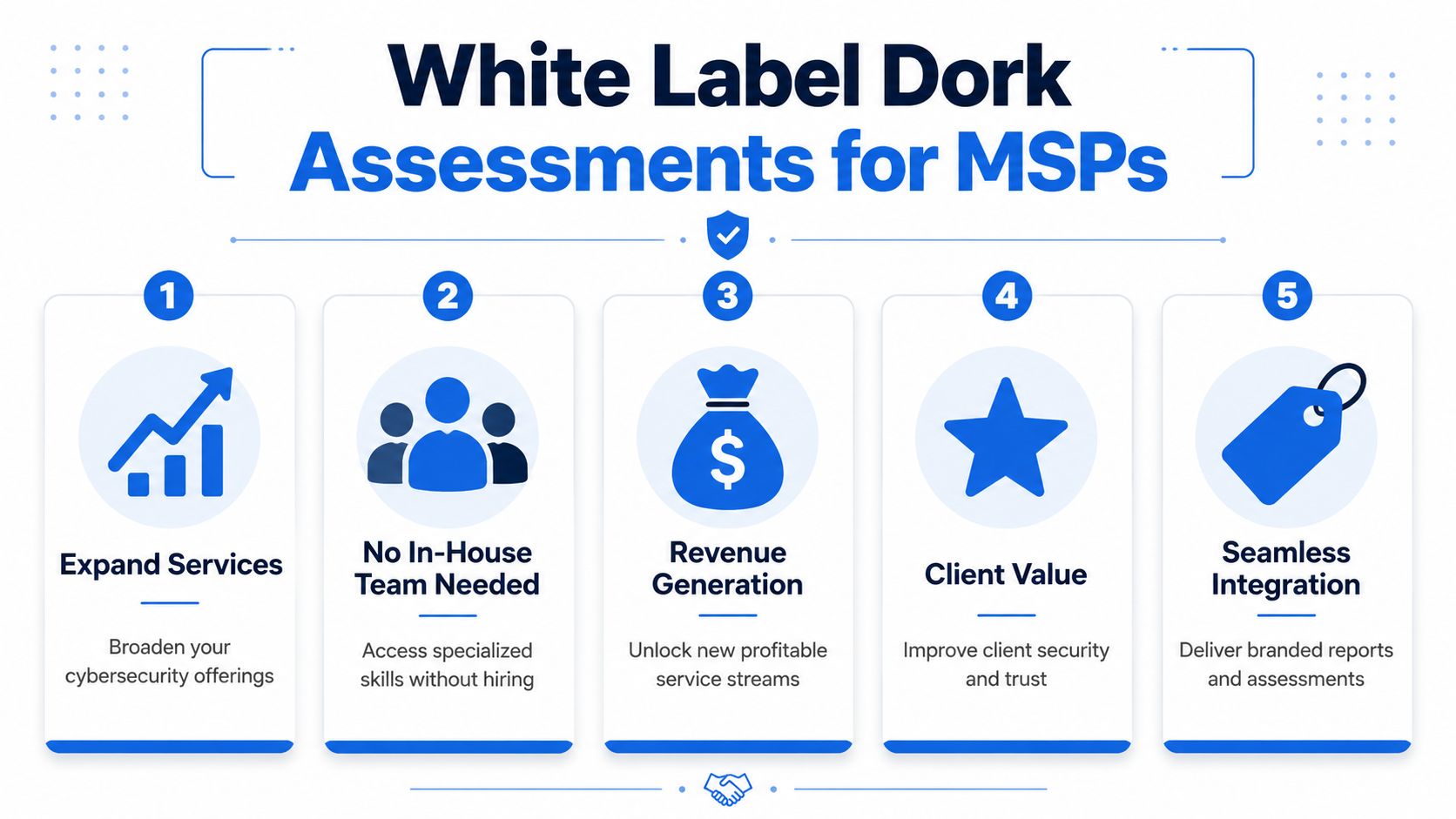
MSPs, vCISOs, CPAs, and GRC firms already have the client trust. What many don't have is an efficient way to deliver white label pentesting without hiring a full in-house team.
That gap creates a business opportunity. Clients need affordable, credible testing for SOC 2, HIPAA, PCI DSS, and ISO 27001 programs. They also need it fast. If you can bring them a clear external exposure review and a proper pen test under your own brand, you become harder to replace.
Why this works for channel partners
White label delivery solves the usual problems:
- No hiring burden because you don't need to build a specialist team from scratch
- Faster turnaround because the testing process is already operationalized
- Better margins because you avoid bloated internal delivery costs
- Stronger client retention because you keep the advisory relationship and branded experience
This is especially useful for a reseller or advisory-led MSP that wants to grow security revenue without turning into a staffing company.
What clients actually buy
Clients don't buy “Google dorks.” They buy reduced exposure, cleaner audit conversations, and proof that someone checked what the public internet can already see.
Bundle dork assessments into broader pentesting, penetration testing, or recurring risk assessment services. Position them as an early recon step inside a manual engagement, not a standalone toy. That keeps the conversation mature and business-focused.
The smart play is simple. Keep client ownership, use a channel-only delivery model, and add security revenue without adding delivery chaos.
If you're an MSP or vCISO, that's the model that scales.
If you want to offer affordable, fast, white-labeled pentests without competing against your own delivery team, our external perimeter testing is built for that exact channel model. Our certified pentesters with OSCP, CEH, and CREST backgrounds deliver manual pentesting, penetration testing, and pen testing services under your brand, so you can strengthen compliance offerings, grow security revenue, and keep the client relationship. Contact us today to learn more.
.png)
.avif)
.png)
.png)
.png)

