
You already know the pattern. A client asks for a public web app, remote access portal, vendor connection, or hosted service. Your team puts it in a DMZ, locks down a firewall, checks the box, and moves on to the next ticket.
That’s where a lot of MSPs get burned.
A DMZ is not proof of security. It’s a place where security can fail undetected, especially when nobody tests whether the rules effectively stop lateral movement. If you own the client relationship, you also own the fallout when a public-facing system becomes the bridge into the internal network.
This matters for more than protection. It affects client retention, margins, audit readiness, and service credibility. If your team can explain firewalls and dmz design clearly, choose the right architecture, and back it up with affordable pentest, pen testing, and penetration testing work, you become harder to replace.
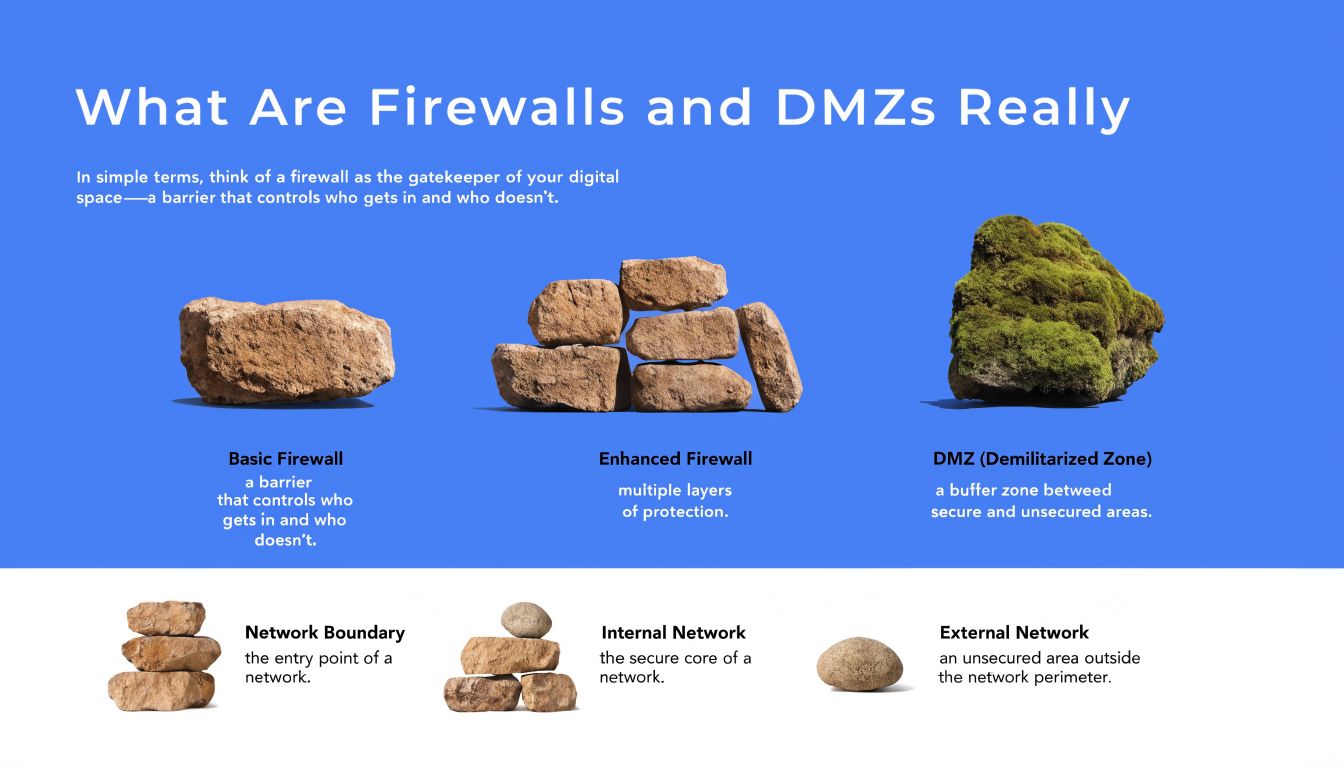
What Are Firewalls and DMZs Really
Think of the internal network like a vault. The firewall is the guard at the door deciding what gets in and out. The DMZ is the lobby outside the vault where visitors can interact with public services without walking straight into the safe.
That simple separation is the whole point. Your client’s website, mail gateway, remote portal, or public app may need internet access. Their accounting system, domain controller, backups, and sensitive records should not sit right behind that same exposure.
Why the separation exists
A DMZ exists to create controlled interaction. Internet users can reach the public-facing system. That system gets only the minimum paths it needs. The internal network stays isolated unless a very specific rule allows otherwise.
Traditional stateful firewalls often cap throughput at around 1 Gbit/s, while routers can handle 100 Gbps or more, creating a 100x performance gap that helped drive DMZ-style isolation for high-performance services, as documented in this analysis of firewall performance and Science DMZ design.
Practical rule: If a service has to face the internet, treat it like it will be attacked. Put it in a place where compromise doesn’t become a straight line to the LAN.
What MSPs need to explain to clients
Most clients hear “firewall” and assume “safe.” That’s not how real environments work. Firewalls enforce rules. DMZs reduce blast radius. Neither one saves a bad architecture.
If you need a plain-language primer to share with less technical stakeholders, this define DMZ in networking overview is useful for framing the concept without drowning people in jargon. For a broader look at how network controls differ from general cyber controls, NineArchs LLC security solutions gives helpful context for client conversations.
Here’s the opinionated version. Firewalls and dmz design is not a checkbox task. It’s a business control. If you get it wrong, the attacker doesn’t care that the rack diagram looked clean.
Choosing Your DMZ Firewall Architecture
A lot of MSPs default to whatever the client can afford fastest. That usually means a single firewall with a DMZ segment carved out. Sometimes that’s acceptable. Often it becomes technical debt with a false sense of safety.
The architecture choice should be based on risk tolerance, not just hardware budget.
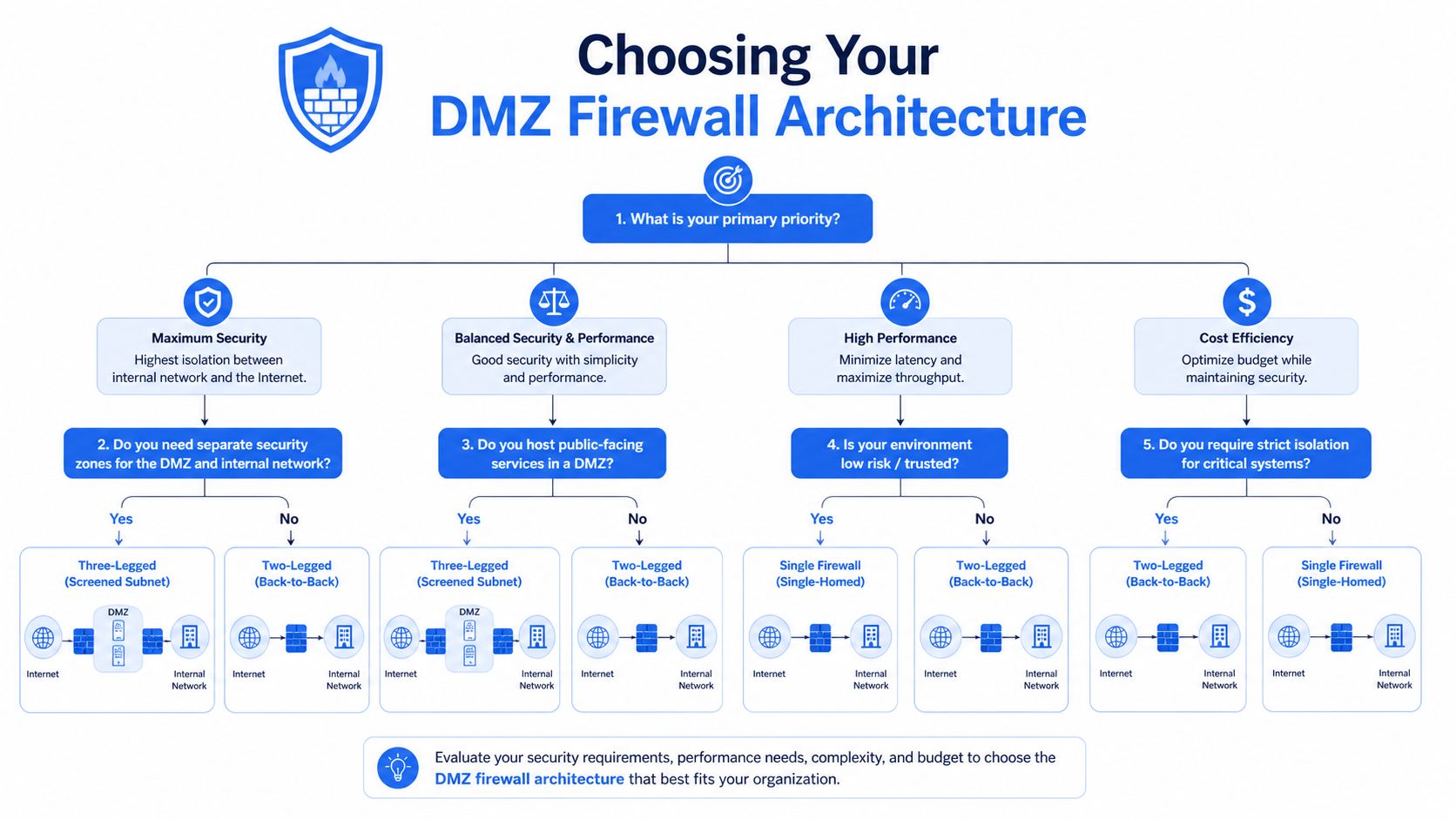
Single firewall versus dual firewall
| Architecture | How it works | Upside | Downside |
|---|---|---|---|
| Single-firewall DMZ | One device separates internet, DMZ, and internal network | Lower cost, simpler to deploy | One policy stack controls everything, and mistakes hit every zone |
| Dual-firewall DMZ | One firewall sits between internet and DMZ, another between DMZ and internal network | Stronger separation and cleaner control points | More design work, more review, more operational discipline required |
A single-firewall DMZ is common in smaller environments because it’s easier to quote and support. But if that one appliance has weak rules, messy objects, or broad exceptions, you’ve created a single point of failure.
A dual-firewall DMZ is the better answer for clients with regulated data, multiple public services, or real business interruption risk. A compromise in the DMZ still leaves an attacker facing another barrier with a separate rule set.
A dual-firewall DMZ provides stronger resilience during a penetration test because a compromised DMZ server does not automatically expose the internal network, according to Huntress on DMZ architecture.
My recommendation to MSP owners
Don’t sell “enterprise” based on logo count. Sell it based on segmentation quality.
- Use single-firewall DMZs for smaller clients only when the exposure is narrow and the allowed paths are easy to review.
- Use dual-firewall DMZs when the client has SOC 2, HIPAA, PCI DSS, or ISO 27001 pressure, or when the environment includes multiple public apps and admin paths.
- Review management flows separately. The management plane is where clean diagrams usually get ugly.
- Document every allowed path in a way your vCISO, GRC partner, or auditor can follow.
If you’re evaluating whether the design matches the business risk, a network architecture review reference is a good checkpoint before you greenlight production.
Common DMZ Flaws We Find During Pentests
The theory falls apart at this point.
A DMZ server gets deployed for a client portal. Then someone allows a broad rule back to an internal database. Then the backup platform needs access. Then IT wants RDP or SSH from a wider segment because it’s easier. Six months later, the “isolated” zone has become a hallway into the core network.
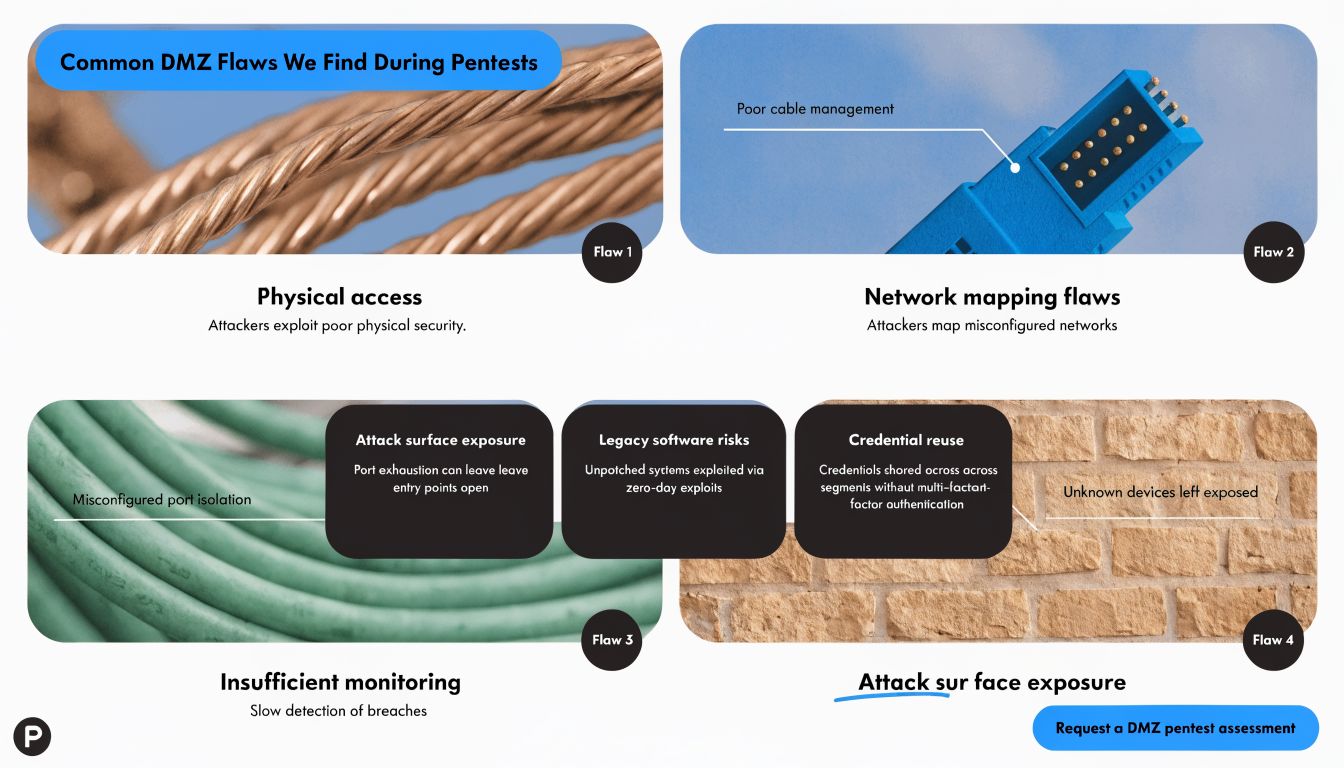
Penetration testing data shows DMZ servers are compromised in 65% of external network assessments, and 70% of breaches exploit flaws between the DMZ and internal network, based on this DMZ segmentation analysis.
The flaws that matter most
- Overbroad return paths. A public system is allowed to talk back to internal systems on more ports than it needs.
- Management access from the wrong places. Admin protocols from user networks or shared support segments create an easy pivot.
- Shared trust with internal services. Authentication, monitoring, patching, or backup tooling gets wired in without narrowing scope.
- Stale rules nobody wants to touch. Old exceptions stay in place because nobody remembers why they were opened.
Attackers usually don’t smash through a DMZ. They walk through the rule you forgot to challenge.
Why scanners miss the real issue
A vulnerability scan can tell you a port is open. It usually won’t prove whether an attacker can chain that access into domain compromise, sensitive data access, or backup impact.
That’s why external pentest work matters so much on DMZs. A good tester follows the path. They look for the public foothold, test the allowed connections, abuse weak segmentation, and show whether the architecture contains the compromise. If you want a simple baseline for that scope, this external network penetration testing guide is worth keeping handy.
For MSPs, this isn’t just technical cleanup. It’s margin protection. Every untested DMZ rule is a future support event, client argument, or insurance headache waiting to happen.
Validate Security with Manual Penetration Testing
If you’re relying on automated scanning alone, you’re not validating the DMZ. You’re inventorying it.
That distinction matters. A scanner is good at finding obvious exposure. A human tester is good at figuring out whether those exposures can be chained into something ugly. That’s what clients are paying you to prevent.

What manual pentesting proves
A real penetration test on a DMZ asks questions scanners can’t answer on their own:
- Can a compromised web server reach internal services in ways the diagram didn’t intend?
- Can weak firewall rules be abused for lateral movement?
- Do management paths create a shortcut around the segmentation model?
- Will alerts fire when someone behaves like an attacker instead of a health check?
That’s why I’m opinionated here. Manual pentesting is the standard, especially for internet-facing infrastructure tied to compliance and business continuity.
Why this helps your MSP business
Affordable, fast, white label pentesting is one of the cleanest ways to expand revenue without building a full offensive security bench in-house. Your clients get independent validation. Your vCISO and GRC partners get evidence for the risk assessment. Your team keeps control of the relationship.
Advisory point: When a client asks, “Did you test it?” they are not asking whether someone ran a scanner. They are asking whether a human tried to break the design.
Certifications matter too. When the work is performed by OSCP, CEH, and CREST practitioners, the conversation with the client changes. It feels credible because it is credible. If you want a general explainer you can share with non-technical buyers who are still sorting out service types, this pen testing services guide can help frame the difference between checking and proving.
Good penetration testing, pen testing, and pentest delivery also solves a practical MSP problem. It shortens the time between project completion and client signoff. That improves cash flow and reduces the endless “we’ll review security later” delay that kills service momentum.
DMZ Logging for SOC 2 and HIPAA Compliance
A DMZ without logging is just hope in rack form.
For SOC 2, HIPAA, PCI DSS, and ISO 27001, you need more than segmentation. You need an audit trail that shows who could access what, when traffic was allowed, and whether sensitive systems stayed separated from public-facing assets.
What auditors and clients actually care about
They care whether you can demonstrate control. That means firewall logs, rule reviews, access approvals, and evidence that the DMZ does not have unnecessary paths into systems that hold protected or business-critical data.
The useful mindset here comes from a different world. The Science DMZ model, developed around 2010-2012, showed that isolating specific traffic types is valuable enough to shape modern segmentation strategy, and that principle now carries into commercial DMZs for security and compliance, as described in this Science DMZ overview.
What to log and review
- Inbound internet-to-DMZ traffic so you can show what public exposure exists and how it’s controlled
- DMZ-to-internal traffic attempts because that’s where containment either works or fails
- Administrative access to DMZ systems including who connected, from where, and why
- Rule changes and approvals so the GRC and vCISO side can tie technical changes to governance
- Alert handling records to prove the team didn’t just collect logs and ignore them
For HIPAA, that matters because public systems should not have broad or casual reach into systems storing protected data. For SOC 2, it matters because the client needs evidence of controlled access and monitored boundaries. For PCI DSS and ISO 27001, it supports segmentation, change control, and ongoing review.
The MSPs that win here don’t talk only about firewalls. They talk about defensible segmentation, evidence, and independent validation. That’s how you stop being seen as a help desk with licenses and start being seen as a strategic security partner.
If you want a channel-only partner to help you validate firewalls and dmz security with affordable, manual pentesting, white label pentesting, and fast reporting from OSCP, CEH, and CREST certified testers, our external perimeter testing service is built for that model. We never compete with MSPs, vCISOs, GRC firms, CPAs, or resellers. Contact us today to strengthen client security, support compliance, and turn pentest services into a profitable part of your practice.

.avif)
.png)
.png)
.png)

